Treasure Coast Locksmith provides WiFi smart lock installation services in Port St. Lucie, Stuart, Fort Pierce, Vero Beach, Jensen Beach, and across the Treasure Coast. Call (772) 758-1322 for mobile service. WiFi smart locks give you remote access to your door from anywhere with cell service. Three main options on the Treasure Coast: Schlage Encode (most popular, built-in Wi-Fi), Yale Assure (touchscreen, HomeKit-friendly), and Kwikset Halo Touch (fingerprint). Typical install $285-$395.
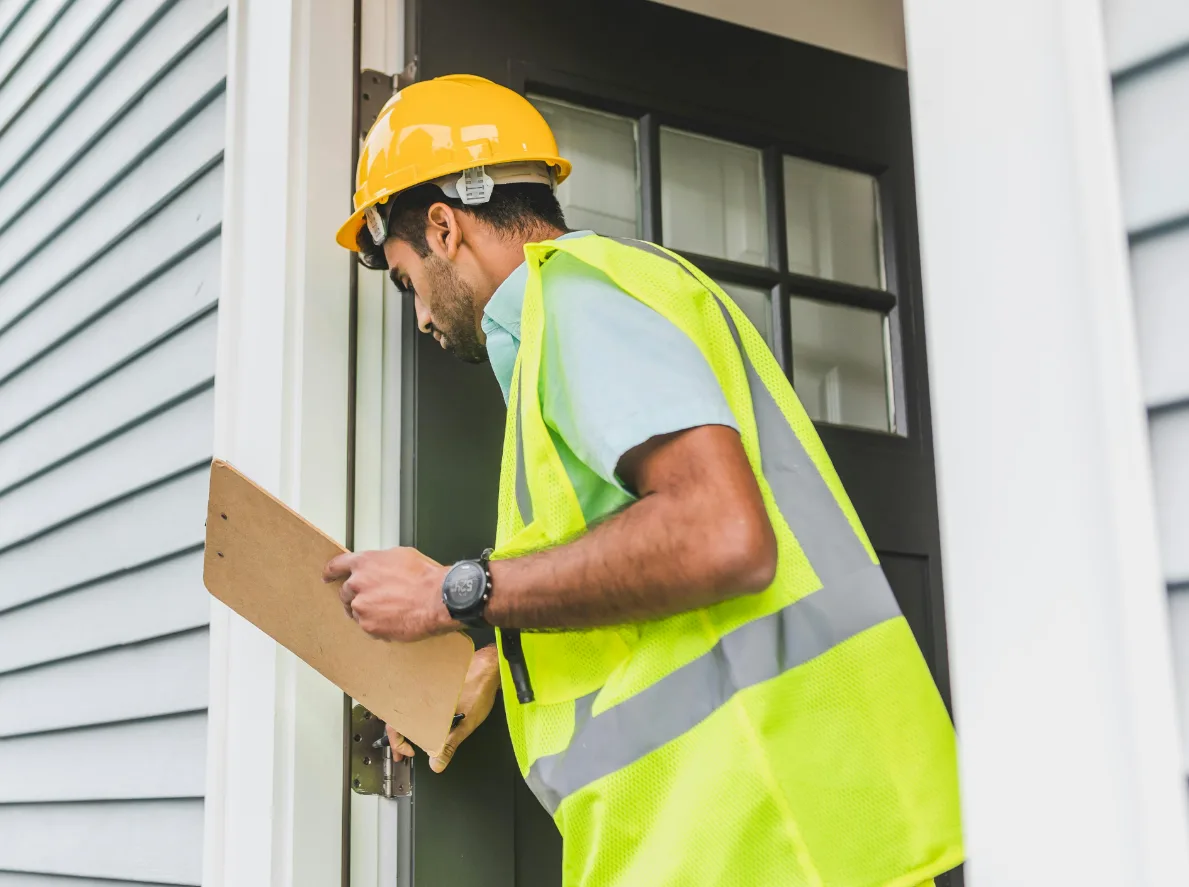
WiFi smart locks are the category that made smart locks mainstream. Unlike Bluetooth-only smart locks that only work when your phone is in range, WiFi smart locks connect directly to your home network and can be controlled from anywhere with cell or internet service.
Three main brands dominate the Treasure Coast WiFi smart lock market. Schlage Encode has built-in Wi-Fi with no hub or bridge required - the simplest setup. Yale Assure with Wi-Fi requires a separate Yale Connect bridge or Wi-Fi module.
Kwikset Halo Touch adds fingerprint recognition to the WiFi smart lock feature set.
Treasure Coast Locksmith installs all three major WiFi smart lock brands. For most customers we recommend Schlage Encode for simplicity and reliability. For Apple households, Yale Assure SL with iM1 is better.
For families with kids, Kwikset Halo Touch's fingerprint feature is compelling.
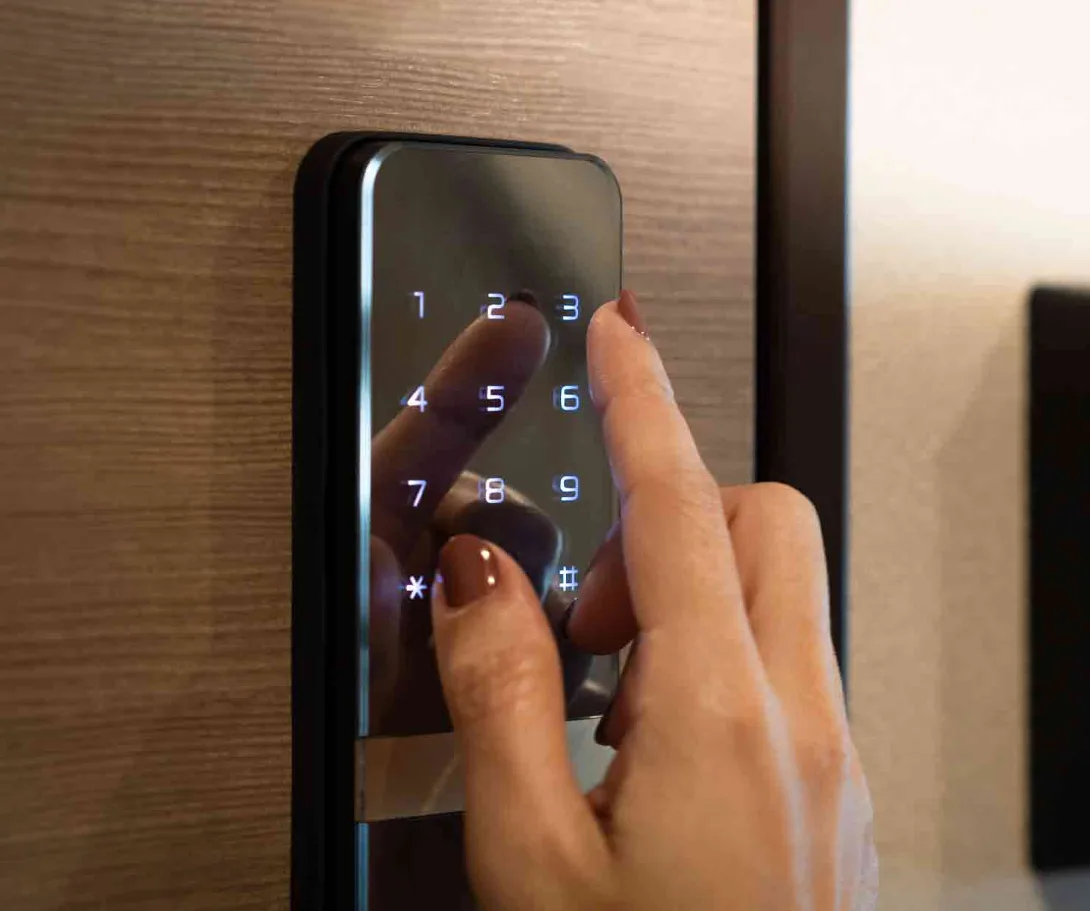
What WiFi smart locks give you
- Remote access from anywhere - control the lock from your phone even when away from home.
- Guest code management - create, schedule, and delete temporary codes from the app.
- Activity notifications - know when kids arrive home or any lock event occurs.
- Voice control - integration with Alexa, Google Assistant, and Apple HomeKit.
- Auto-lock feature - automatic locking after a set delay.
- Mechanical backup key - standard cylinder backup for emergencies.
- Activity log - see the full history of who unlocked and when.
- Remote emergency unlock - let someone in remotely when needed.
When WiFi smart locks make sense
The specific situations where WiFi matters more than Bluetooth-only smart locks.
Typical WiFi smart lock scenarios
- Snowbird family in Vero Beach wants to check lock status from a northern home during 6-month absences.
- Port St. Lucie family with teens coming home from school - parents want notification when the kids arrive.
- Jensen Beach vacation rental owner manages guest codes remotely without being on-site.
- Stuart business owner wants to let a contractor in remotely while at the office.
- Hutchinson Island beach house with periodic cleaner access managed from the owner's primary residence.
- Tradition homeowner wants to verify the door is locked after leaving for work in the morning.
- Fort Pierce rental property with tenant turnover where remote code management saves trips to the property.
- Palm City home where an elderly parent sometimes needs emergency access - family wants remote unlock capability.
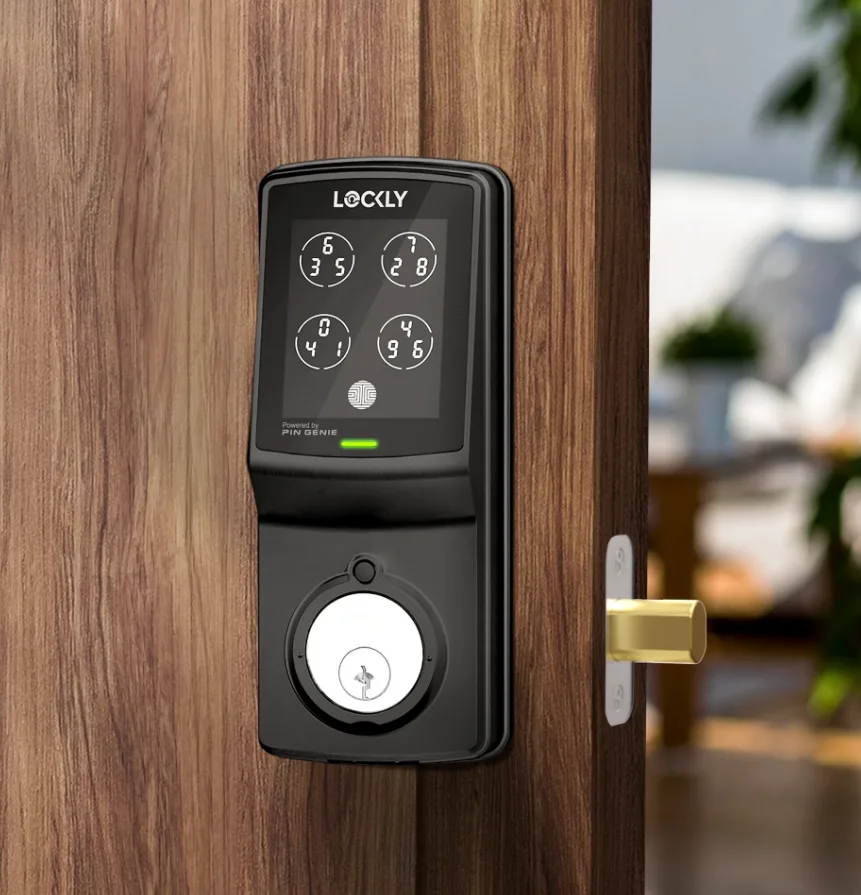
WiFi smart lock brands compared
Three main WiFi smart locks dominate the Treasure Coast residential market.
Schlage Encode has built-in 2.4 GHz Wi-Fi with no hub or bridge required. Grade 1 BHMA rating (rare among smart locks). Battery life 6-9 months on alkaline or 10-14 months on lithium.
Works with Alexa, Google Assistant, and Apple HomeKit (via Encode Plus model). Our default recommendation for most Treasure Coast homes.
Yale Assure SL with Wi-Fi requires a separate Yale Connect bridge or Wi-Fi module. Grade 2 BHMA rating. Capacitive touchscreen keypad (no physical buttons).
Best HomeKit support with iM1 module. Battery life 12-18 months on lithium. Good for Apple-focused households but the required separate module adds complexity.
Kwikset Halo Touch uses fingerprint biometrics in addition to keypad entry. Built-in WiFi. Grade 2 BHMA rating.
Battery life 4-6 months on alkaline. Great for families with kids because fingerprint unlock is faster than typing a code. Mechanical backup uses Kwikset SmartKey (homeowner rekeyable).
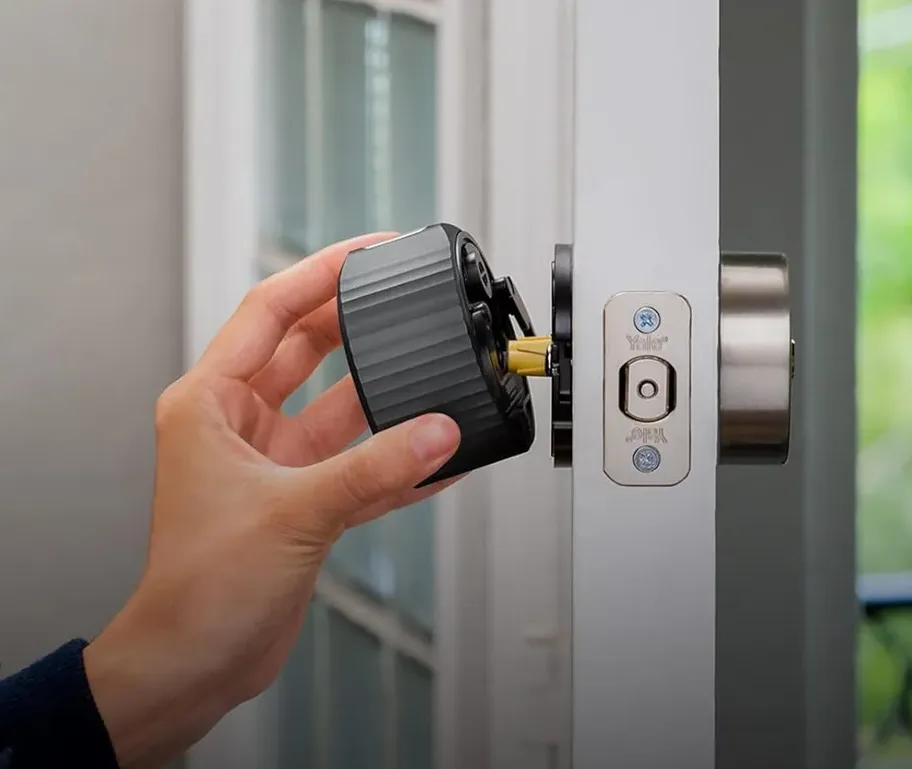
How WiFi smart lock installation works
Brand selection call
Call (772) 758-1322.
We discuss Schlage vs Yale vs Kwikset based on your needs.
Wi-Fi verification
Technician checks signal strength at the door before installation.
Installation and pairing
Hardware installed, Wi-Fi paired with home router, app configured.
User codes and training
Create household codes, test remote access, 10-minute training.
WiFi smart lock ownership tips
- Test your Wi-Fi signal at the door before buying. Weak signal causes connectivity issues regardless of lock brand.
- Use lithium batteries for longer life (12-18 months vs 6-9 for alkaline).
- Set up auto-lock feature - lock automatically after 30 seconds to 5 minutes of being unlocked.
- Create unique codes for each household member and recurring visitors so you can track who used the lock.
- Test remote access regularly - verify you can lock/unlock from cellular data, not just home Wi-Fi.
- Enable two-factor authentication on the smart lock app for additional security.
Related services
Other Treasure Coast Locksmith services in this cluster.
WiFi smart lock FAQs
Common questions about WiFi smart lock installation.
How much does WiFi smart lock installation cost?
Schlage Encode runs $285 to $395 installed including Wi-Fi setup. Yale Assure SL with Wi-Fi runs $285 to $395. Kwikset Halo Touch runs $295 to $395.
Prices include hardware, installation, Wi-Fi pairing, app setup, user code provisioning, and homeowner training. Full-house WiFi smart lock upgrades (3-4 doors) typically run $925 to $1,375.
Which WiFi smart lock is the best?
Schlage Encode for most Treasure Coast homes. Built-in Wi-Fi (no hub), Grade 1 rating (highest among smart locks), wide HOA approval, reliable app. Yale Assure SL is better for Apple-committed households via the iM1 module.
Kwikset Halo Touch is best for families wanting fingerprint recognition.
Does Wi-Fi smart lock work during power outages?
Yes, partially. The lock itself runs on batteries and works normally during power outages. WiFi connectivity requires your router to have power, so remote access is unavailable until power returns.
The keypad, mechanical key backup, and Bluetooth-in-range features all continue to work during outages.
What if my Wi-Fi signal is weak at the door?
Multiple options: relocate the router closer to the door, add a Wi-Fi mesh extender (Eero, Nest, or similar), switch to a smart lock that uses a separate bridge closer to the router (like August with Connect), or use a non-WiFi smart lock (like Schlage BE499 Bluetooth-only). We diagnose during installation and recommend solutions.
Can I give guest codes that expire automatically?
Yes. All three major WiFi smart locks (Schlage Encode, Yale Assure, Kwikset Halo Touch) support scheduled codes and automatic expiration. You can create a code that only works Tuesday 10am-2pm, or a code that expires on a specific date, or a one-time code for a single entry.
What happens if someone hacks my WiFi?
WiFi smart locks use encrypted connections to cloud services, so WiFi hacking alone typically doesn't compromise the lock. However, weak Wi-Fi security does increase risk. Use WPA3 encryption on your router, change default router passwords, and enable two-factor authentication on the smart lock app.
How long do WiFi smart lock batteries last?
Schlage Encode: 6-9 months alkaline, 10-14 months lithium. Yale Assure: 12-18 months lithium. Kwikset Halo Touch: 4-6 months alkaline.
Lithium batteries always last longer than alkaline. Heavy use (many daily locks/unlocks) shortens battery life.
Do WiFi smart locks work with Alexa and Google Assistant?
Yes, all three major WiFi smart locks support voice control. You can ask 'Alexa, is the front door locked?' or 'Hey Google, lock the front door' from any compatible smart speaker. Setup is included during installation app pairing.
Can I install a WiFi smart lock on my existing deadbolt prep?
Yes, almost always. WiFi smart locks use standard 2-1/8 inch residential cross-bore dimensions that match any standard deadbolt prep. No door modification needed in 95% of installations.
We verify prep dimensions onsite before installation.
Will the mechanical key still work on a WiFi smart lock?
Yes. Every WiFi smart lock has a standard mechanical backup cylinder that works with a physical key. If the battery dies or WiFi fails, you can still unlock with the key.
We rekey the backup cylinder to match your existing house keys during installation.
Can I use multiple WiFi smart locks keyed alike?
Yes. The mechanical backup cylinders can be rekeyed to match a single key across multiple doors. Digital codes are separate per lock.
Most Treasure Coast installations use matched mechanical keying across front, back, and garage for emergency backup consistency.
Is WiFi smart lock safer than a traditional lock?
For physical security, traditional and smart locks at the same Grade level are equivalent. WiFi smart locks add convenience features (remote access, activity logging, guest codes) not security improvements. For maximum security, combine a Grade 1 WiFi smart lock (Schlage Encode) with reinforced strike plate and wraparound reinforcement.