Treasure Coast Locksmith provides access control systems services in Port St. Lucie, Stuart, Fort Pierce, Vero Beach, Jensen Beach, and across the Treasure Coast. Call (772) 758-1322 for mobile service. Commercial access control systems let businesses manage who can enter which doors and when, without issuing physical keys. Card readers, mobile credentials, biometric systems, and cloud management replace mechanical master key systems. Treasure Coast Locksmith designs and installs access control for offices, retail, medical, and multi-site operations.
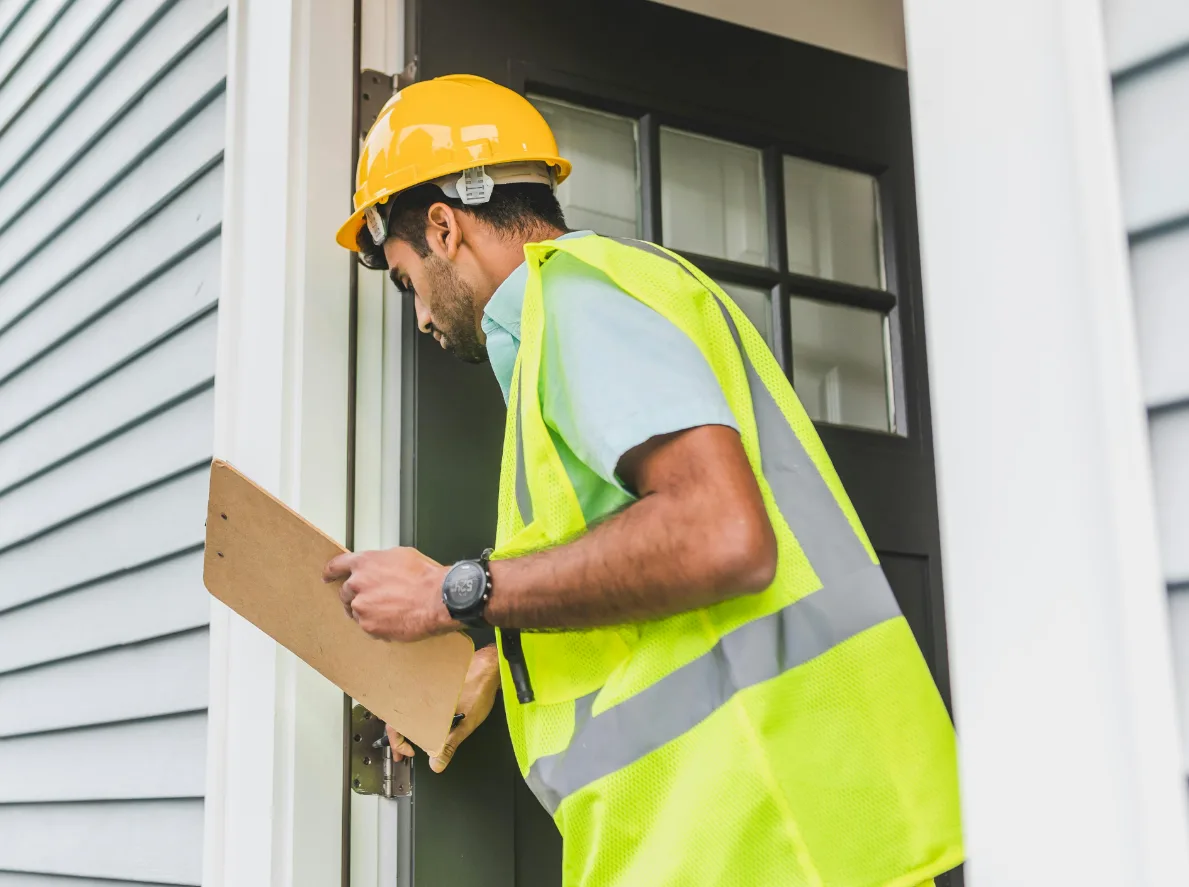
Access control is the modern replacement for commercial master key systems. Instead of issuing physical keys that can be lost, copied, or stolen, access control uses electronic credentials (cards, fobs, mobile phones, fingerprints) that can be activated and deactivated remotely from a management dashboard. When an employee leaves, their credential is deactivated in seconds - no physical key collection needed, no rekey cost.
Treasure Coast commercial buildings increasingly rely on access control instead of master keys. Medical offices need HIPAA-compliant access logging. Retail stores need after-hours management.
Office buildings need tenant turnover management. Multi-site operations need centralized control across multiple locations. Access control handles all of these better than traditional mechanical systems.
Treasure Coast Locksmith designs, installs, and manages access control systems for businesses across every Treasure Coast city. Brivo, Kisi, Openpath, Avigilon, Honeywell, and standalone systems all within our capability.
Why commercial access control
- No more physical keys - electronic credentials replace master keys.
- Instant user management - add/remove users in seconds, not days.
- Schedule-based access - different access levels for different users and times.
- Activity logging - every entry logged with user, door, and timestamp.
- Cloud management - control access from anywhere.
- Mobile credentials - phones replace cards and fobs.
- Multi-site capable - manage multiple buildings from one dashboard.
- Integration ready - connects with alarms, cameras, visitor management.
When access control makes sense
The situations where access control beats traditional master keys.
Typical access control drivers
- Medical office with 15+ employees and HIPAA compliance - needs audit trail for every entry.
- Retail store with multiple shift workers and inventory shrink concerns - need individual accountability.
- Office building with frequent employee turnover - tired of rekeying every time someone leaves.
- Multi-tenant professional building where tenants need individual access to their suites plus common areas.
- Manufacturing facility with different access zones for production, shipping, office, and restricted areas.
- Restaurant chain with multiple locations and food safety access requirements for prep areas.
- Gym or fitness club with 24/7 member access needs and no always-present staff.
- Commercial landlord with short-term office rentals needing temporary access codes.
Access control technology options
Commercial access control has several technology categories with different tradeoffs.
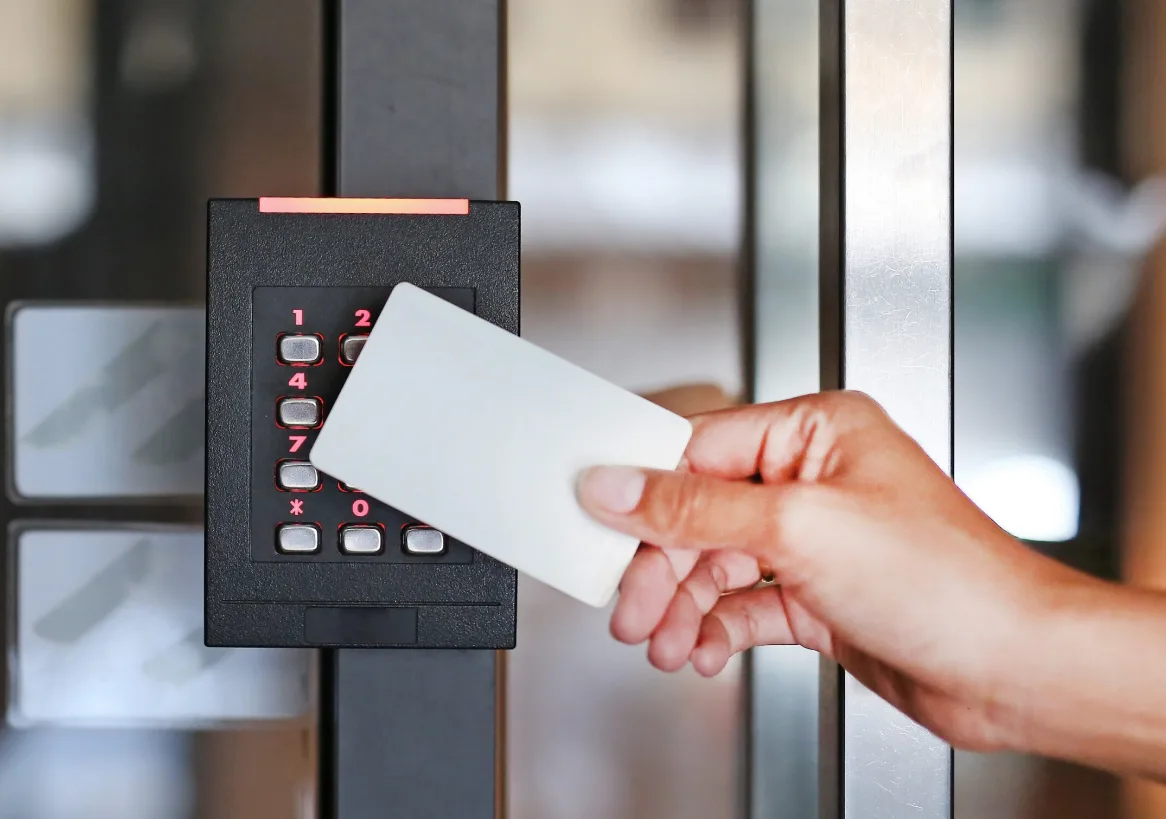
Card readers are the baseline - users carry plastic cards or fobs that swipe or tap on a reader at each door. Proven technology, easy to understand, works without internet or smartphones. Cards can be lost or shared, which is a security concern but offset by instant deactivation.
Mobile credentials replace cards with smartphones. Users install an app that sends an encrypted credential to the reader via Bluetooth or NFC. No physical cards to lose.
Cards can be re-issued via the app instantly. The tradeoff is dependency on user smartphones and occasional connectivity issues.
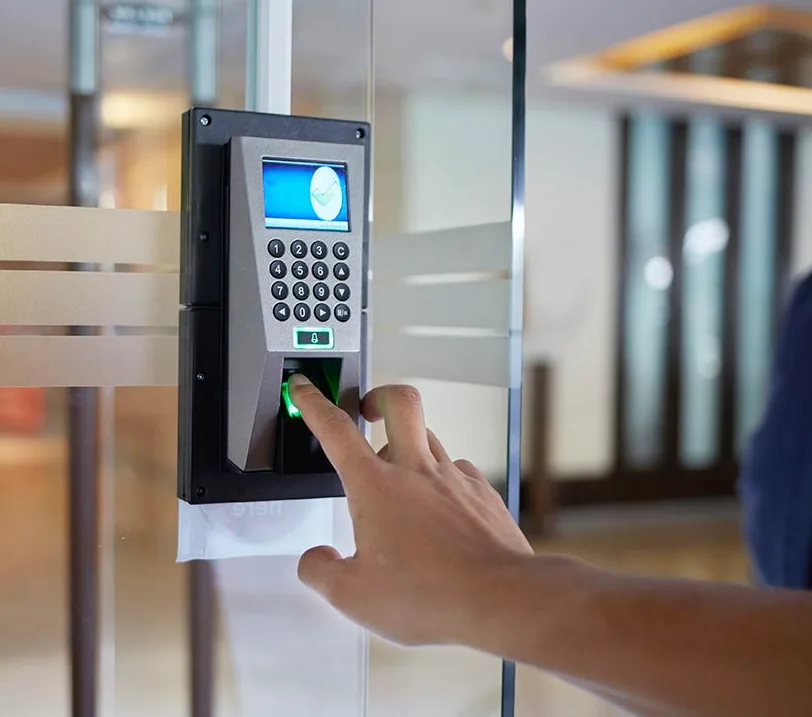
Biometric systems (fingerprint, hand geometry, facial recognition) eliminate credentials entirely - the user IS the credential. Best for high-security applications where credential sharing is a concern. Slower throughput than cards or mobile, and some users reject biometric capture for privacy reasons.
Cloud-based management (Brivo, Kisi, Openpath, Avigilon Cloud) stores the access database in the cloud and manages it via a web dashboard. Advantages: manage from anywhere, automatic backups, easy multi-site management, remote troubleshooting. Disadvantages: subscription fees and internet dependency.
On-premise management (Honeywell Pro-Watch, Lenel OnGuard, Software House CCure) runs the access database on a local server. Advantages: no subscription fees, works during internet outages, full data control. Disadvantages: requires IT maintenance and on-site server.
How access control installation works
Site assessment
Call (772) 758-1322.
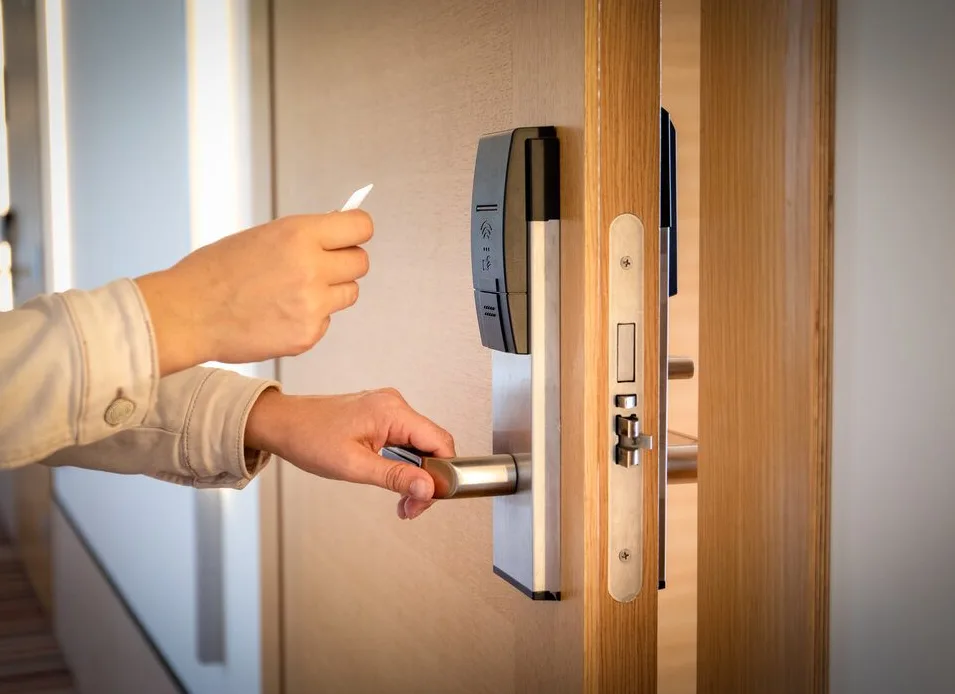
We visit your site to assess doors, users, and existing infrastructure.
System design
Recommend technology type, reader placement, wiring path, management platform.
Installation
Install readers, wire to controllers, connect to management system.
Training and handoff
Train your admin user, provision initial credentials, document system.
Access control ownership tips
- Design access zones thoughtfully - too many zones complicates management.
- Document your admin login in secure storage - losing admin access is a major problem.
- Review user access quarterly - remove dormant users to reduce security risk.
- Test your system monthly - verify readers work and credentials sync.
- Keep backup mechanical keys for emergency access during system failures.
- For HIPAA or SOX compliance, configure audit logs to meet retention requirements.
Related services
Other Treasure Coast Locksmith services in this cluster.
Access control FAQs
Common questions from Treasure Coast business owners about access control.
How much does access control cost?
Depends on door count and technology. Single-door basic card reader system: $1,500-$3,000 installed. 5-door cloud access control: $6,000-$12,000.
20-door enterprise system: $25,000-$65,000. Monthly cloud fees $5-$15 per lock per month for managed systems.
What brands do you install?
Brivo, Kisi, Openpath (now Avigilon), Avigilon Cloud, Honeywell Pro-Watch, Lenel OnGuard, Software House CCure, DSX, HID iClass, Allegion Schlage AD series, and more. We recommend based on your specific needs and budget.
Can you upgrade our old access control?
Yes. Migrating from old systems to modern cloud-based access is common service. We keep your existing wiring where possible and replace only the readers and controllers.
Migrations are typically faster and cheaper than new installations.
Do you handle HIPAA-compliant access control for medical offices?
Yes. HIPAA requires access logging for protected health information areas. We configure access control with audit trails, time-based access, and retention policies that meet HIPAA technical safeguards.
Common for medical and dental offices across the Treasure Coast.
Can we use employee phones as access credentials?
Yes. Mobile credentials are a popular modern option. Employees install an app on their phones that sends credentials to readers via Bluetooth.
No physical cards to carry or lose. Works for iPhone and Android.
Will access control work during internet outages?
Depends on the system. On-premise systems work normally during internet outages. Cloud systems continue to work for existing users (credentials are cached locally at the reader) but can't add new users until internet returns.
Hybrid systems combine both approaches.
Can access control integrate with our alarm system?
Yes. Most modern access control integrates with commercial alarm systems. When the alarm is armed, doors can be locked.
When the alarm disarms, doors unlock for authorized users. Integration varies by alarm brand.
How many users can access control support?
Modern systems support thousands of users per site. A single Brivo or Kisi site can handle 5,000+ users and 100+ doors. For very large enterprise (10,000+ users), Honeywell Pro-Watch or Lenel OnGuard are better choices.
Do you service existing access control systems?
Yes. Service work includes adding users, troubleshooting failed readers, replacing worn hardware, and system upgrades. Service agreements available for ongoing maintenance.
Can we set different access times for different users?
Yes. Schedule-based access is standard on modern systems. You can configure users to only access certain doors during certain hours.
Common for part-time staff, vendors, and after-hours cleaners.
How secure is mobile credential access?
Very secure. Mobile credentials use encrypted Bluetooth or NFC communication with multi-factor authentication options. Most systems are more secure than physical cards because the phone has its own passcode and can be remotely wiped if lost.
Can access control work for multi-site businesses?
Yes. Cloud-based access control is particularly good for multi-site operations. One dashboard manages credentials across all locations.
Common for restaurant chains, retail franchises, and medical groups across the Treasure Coast.